
Breaking: Apple makes iOS 26.1 the default iPhone upgrade, with urgent security fixes and useful new controls
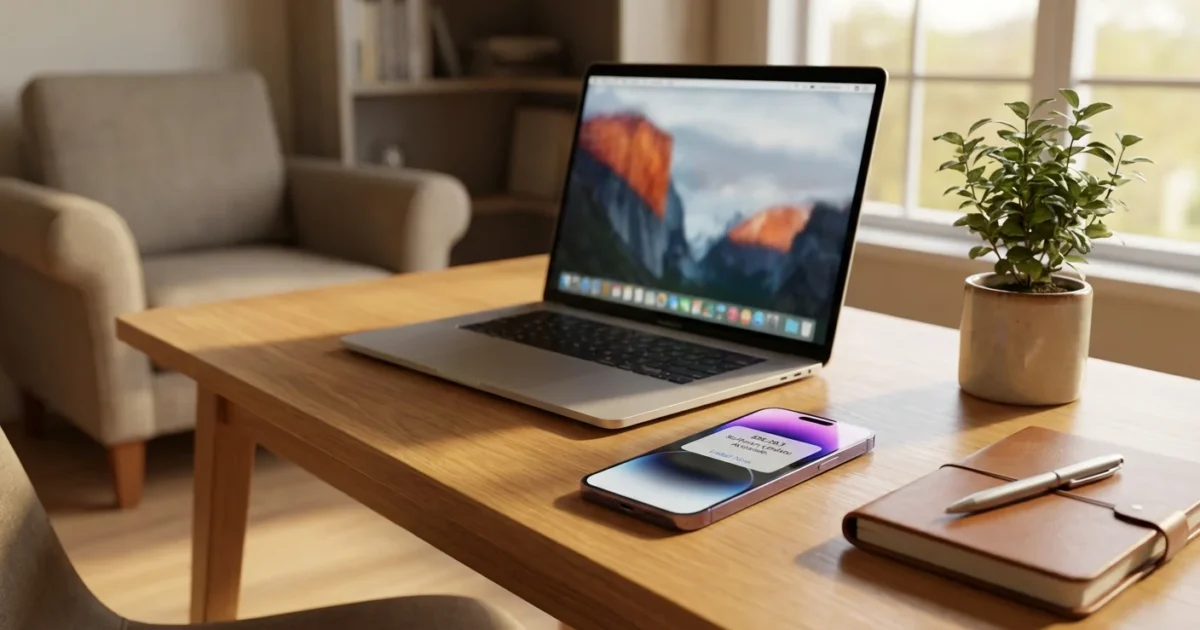
Apple quietly flipped a switch. iOS 26.1, released on November 3, is now the recommended update for iPhones still on iOS 18. That change hit Software Update on December 2. It is a strong signal from Apple. Install this one now.
Why the push. iOS 26.1 bundles about 50 security fixes. Several are high risk, including bugs in WebKit and low level memory handling. Apple rarely promotes a point release this hard. It is doing so today because the risk is real, and the benefits are clear.
What changed today
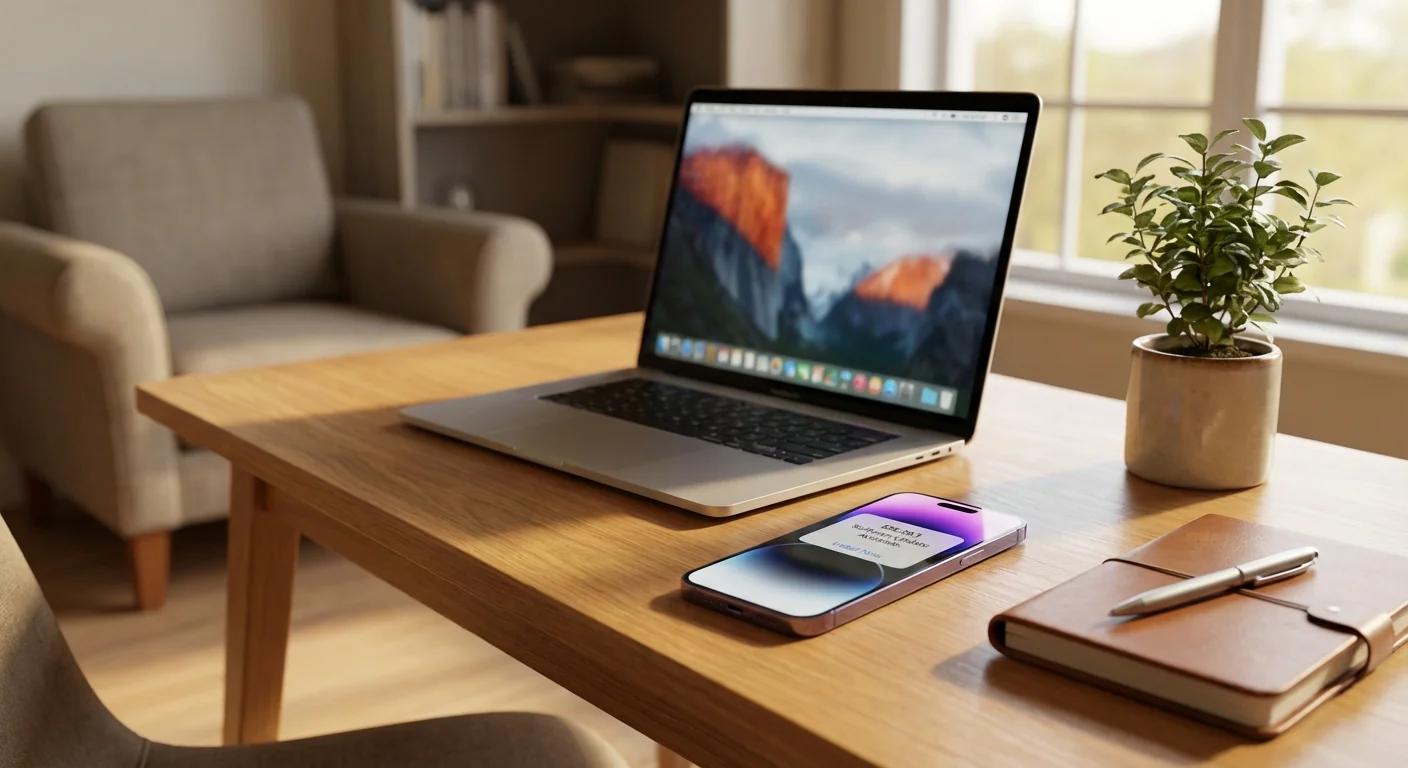
If your iPhone is on iOS 18, you will now see iOS 26.1 as the primary option. The older branch sits below as an alternate version. Apple wants a fast move to 26.1. The message is simple. Stop waiting.
The timing matters. A quiet rollout in November, then a stronger nudge in December. That sequencing matches an urgent security profile, paired with polished user features. I have seen the new Software Update prompt on multiple devices. The behavior is consistent.
The security fixes you should care about
This release is not just another patch. It closes doorways attackers like to use.
- A WebKit flaw that could allow keystroke monitoring inside web content.
- Kernel and memory bugs that could enable crashes or data exposure.
- Issues that let apps sense other apps, or grab sensitive screens.
These are the kinds of bugs that get used in real attacks. Fixing them fast reduces risk. If you manage devices for family or a team, treat 26.1 as a near term requirement.
High risk flaws are patched in 26.1. Update as soon as you can, ideally today.
New features you will notice
Apple did not stop at security. iOS 26.1 adds controls that change daily use.
The Liquid Glass transparency toggle lets you pick Clear or Tinted. Tinted increases opacity and contrast. It helps with bright light and readability. Settings now use left aligned headers, which improves scanning on larger screens.
Lock Screen controls get safer. You can disable the swipe to camera shortcut. Alarms and timers now use slide to stop. Fewer surprise silences, more intentional actions.
Media gets smoother. Apple Music adds swipe gestures in the MiniPlayer. AirPlay supports AutoMix, which balances sources without extra taps. External USB microphones gain a proper input gain slider. You can also choose where to save recordings.
Apple Intelligence expands its language reach. Live Translation adds more languages too, including major Asian and European options. That makes on device assistance more useful in more places.
For families, defaults get smarter. Communication Safety and web filters are now on by default for child accounts aged 13 to 17. Parents still control the details, but the baseline is safer.
Child accounts now start with safety features enabled by default, which you can adjust in Family settings.
How to update safely
You can move to iOS 26.1 from iOS 26 or iOS 18. If your iPhone supports iOS 26, you will see the option in Settings.
Back up first. Use iCloud Backup or a computer. Plug in power and use a trusted Wi Fi network.
- Open Settings, then General, then Software Update.
- Choose iOS 26.1, then Download and Install.
- Enter your passcode, then follow the prompts.
- Keep the phone on power until the restart completes.
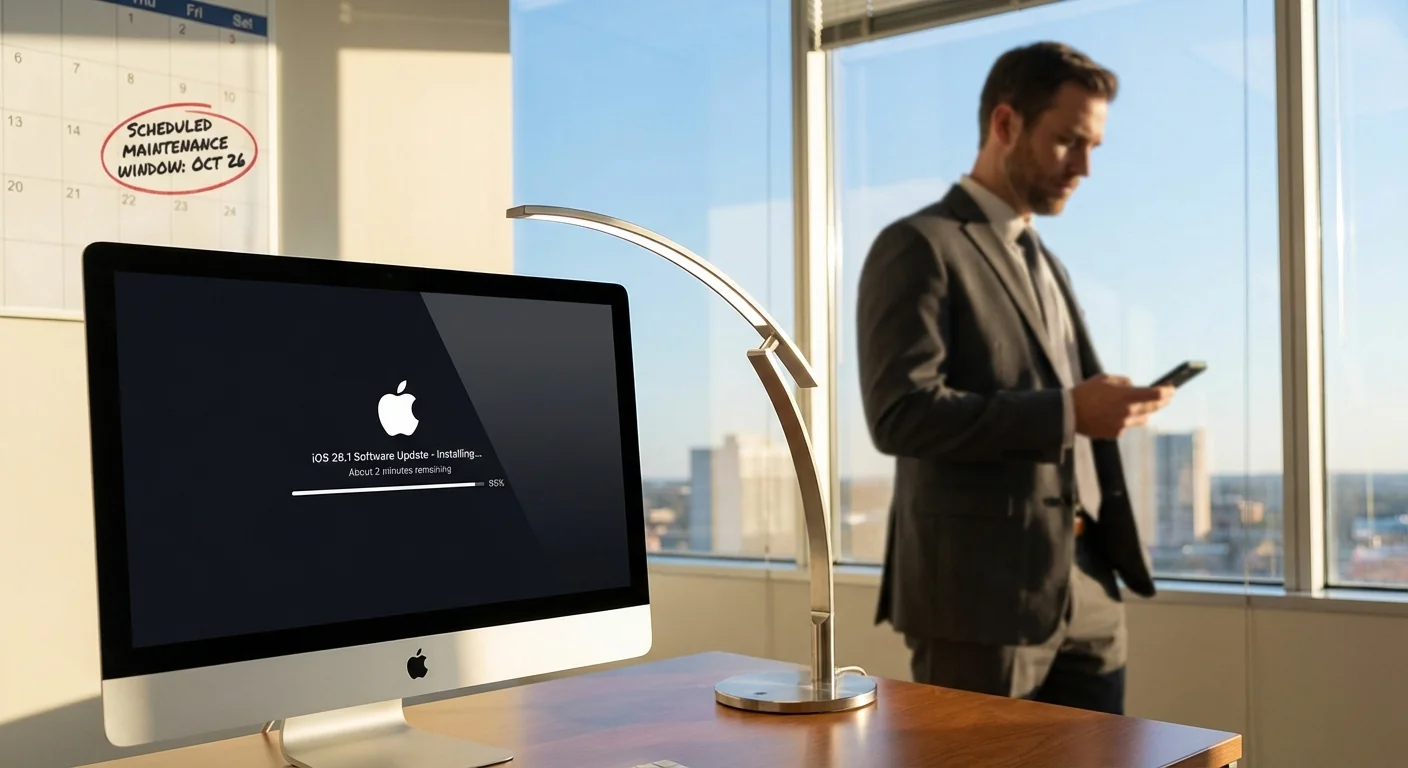
Size and time vary by device. Leave at least 30 minutes free. Business users should schedule a window, then confirm critical apps after install.
Frequently Asked Questions
Will iOS 26.1 slow down my iPhone?
Most users should see stable performance. Some animations feel smoother due to UI tweaks. Give it a day to reindex.
Can I stay on iOS 18 instead?
Yes, but Apple now labels 26.1 as the recommended path. Staying on 18 keeps you exposed to fixed risks.
Is the update safe to install right now?
Yes. It is a public release with wide deployment. The security value is significant.
What about battery life?
Expect normal battery life after one or two charge cycles. Background tasks can run briefly after updating.
Will my apps still work?
Mainstream apps should work as before. If you rely on niche tools, check with the developer, then update.
Conclusion: iOS 26.1 is not optional housekeeping. It is a focused security push, wrapped in practical upgrades that you will feel every day. Apple is steering iPhones to this build for a reason. If your device is eligible, make the jump, stay protected, and enjoy the smarter controls that come with it.