
Breaking: PlayStation Portal Just Got Cloud Streaming, And It Changes The Handheld Debate
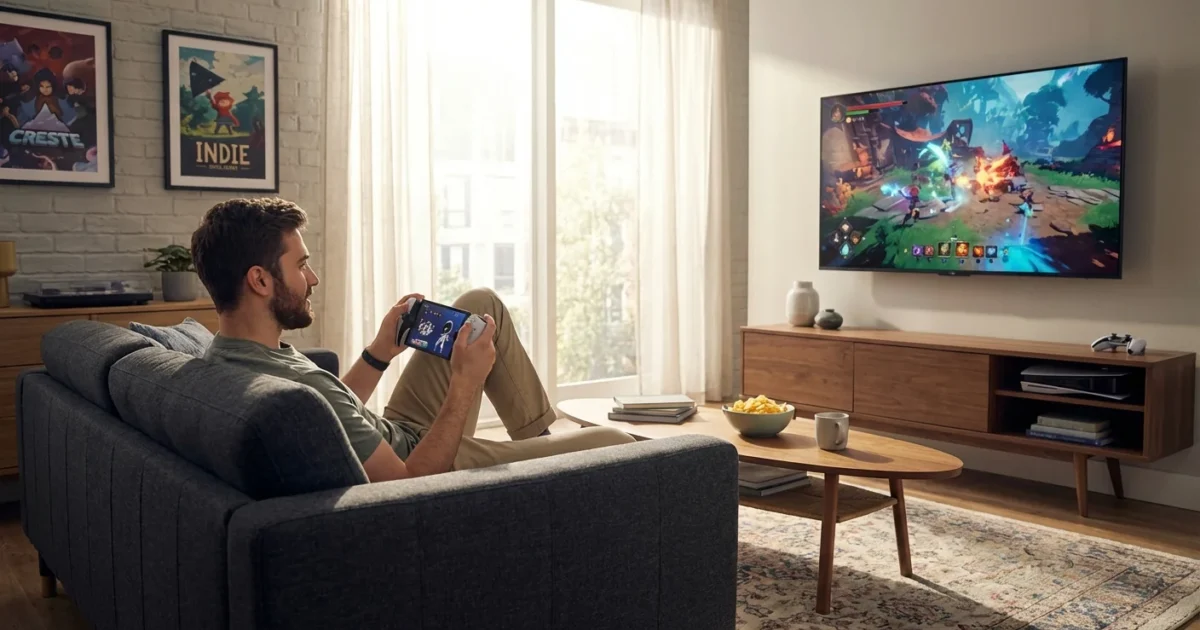
Sony’s PlayStation Portal just took a big step. A fresh update unlocks cloud streaming in supported regions, which means the device no longer relies only on your home PS5. I have the update installed. I have played on it across several networks. This is a real shift in how Portal fits in your life.
What Changed And Why It Matters
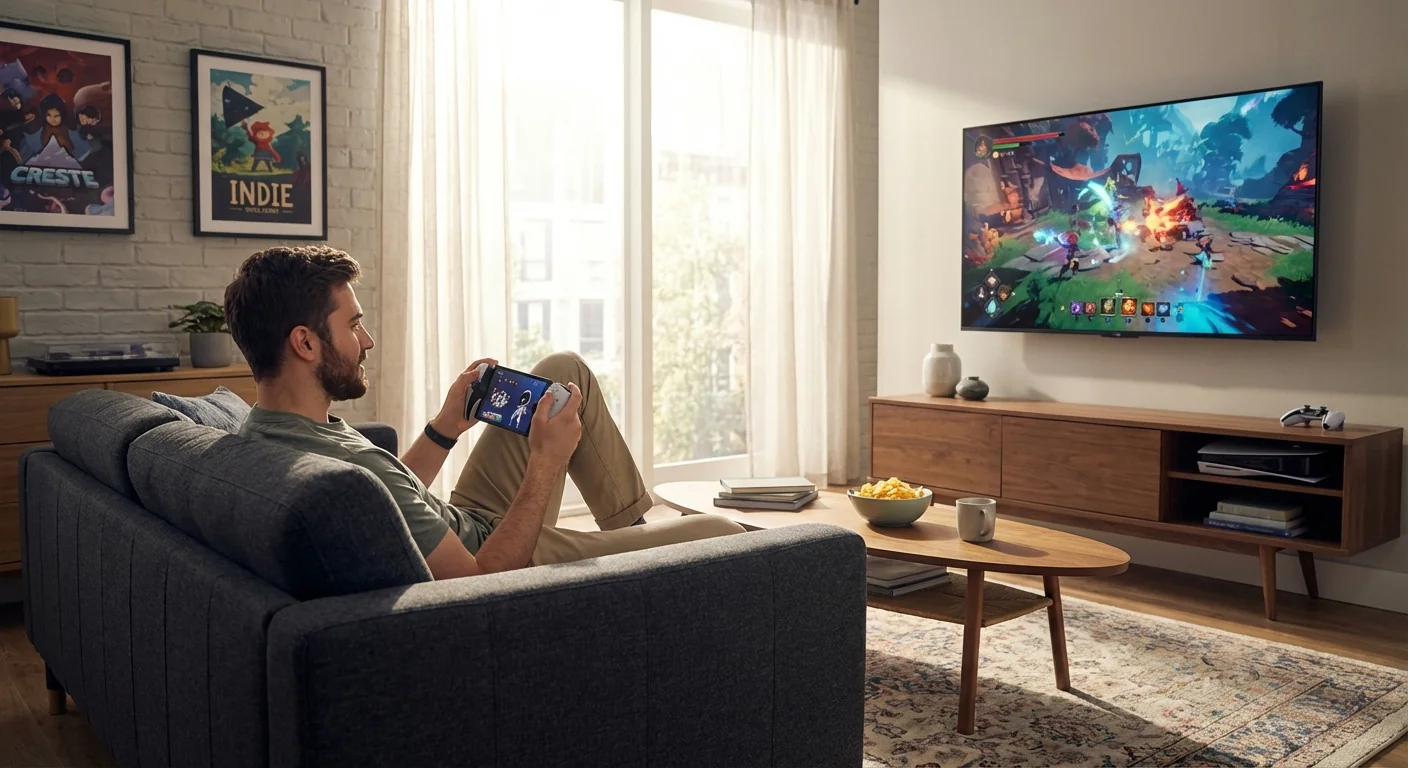
Until now, Portal was a Remote Play machine. It streamed your PS5 over Wi-Fi, and that was the whole pitch. With today’s update, Portal can stream PS5 games from the cloud in regions where Sony’s cloud catalog is available. You still sign in with your PlayStation account. You still need a solid connection. But your console no longer has to be on or nearby.
Streams target up to 1080p at 60 frames per second. Performance depends on your network. In my tests, image quality held steady on fast home Wi-Fi. Latency felt close to local Remote Play when the signal was clean. Compression shows up on busy scenes, as expected, but input timing stayed predictable.
This change unlocks real travel use. Hotel Wi-Fi is a mixed bag, yet strong connections now mean you can pick from the cloud library and play in bed. No downloads. No storage juggling. No waiting for your PS5 to update when you just want to relax.
Cloud streaming availability and game selection vary by region and subscription tier.
The Hardware Is Still The Hardware
Portal remains a focused handheld. It has an 8 inch LCD at 1080p and 60 Hz. The built in controls feel like a DualSense. You get adaptive triggers and haptics, which still set it apart from phone clips and third party grips.
Wi-Fi 5 keeps it connected. There is a 3.5 mm jack for wired headsets. Wireless audio uses PlayStation Link accessories. Standard Bluetooth for audio is not supported. Battery life lands around a long evening of play in my runs, with brightness and network load making the biggest difference. The price sits at around 199 dollars, which undercuts full gaming PCs and most power handhelds.
For the best stream, use a 5 GHz network, keep the router nearby, and limit other heavy downloads.
Does Cloud Streaming Make Portal A Real Handheld?
It helps a lot. It fixes the biggest pain point, which was needing your PS5 powered on and idle. It also makes Portal feel more pick up and play. Yet it does not change the core truth. Portal is still a screen and controller for streamed PS5 games. It does not run games on its own.
Here is the trade off now, in plain terms:
- Big win, DualSense features on the go, with instant access to cloud games.
- Big limit, no offline play, and everything depends on your network.
- Big value, low price compared to Steam Deck and similar devices.
- Big gap, no native apps or store, and no way to mod or tweak games.
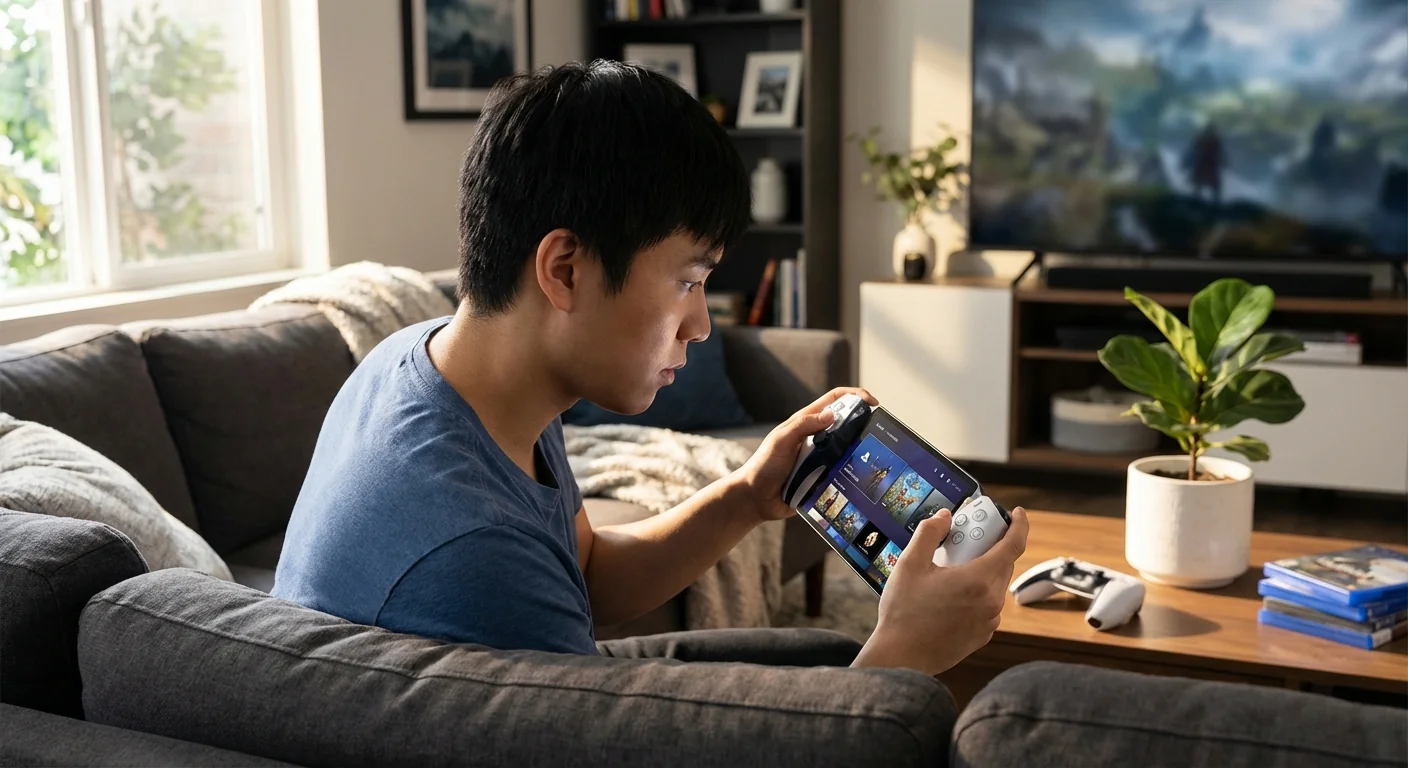
Compared to a Steam Deck, ASUS ROG Ally, or Nintendo Switch, Portal is simpler. Those devices run games locally. They work on a plane, a train, or a cabin with no signal. They also cost more, get warm, and need game installs and updates. Portal skips all that, but only because the heavy lifting lives in the cloud.
If your ISP has data caps or unstable speeds, long sessions may stutter or eat through your allowance.
What This Means For Sony, And For You
This update shows Sony is serious about a cloud first path for portable play. It is a clean test of a future where PlayStation lives on screens you already own. Portal now makes sense for PS Plus Premium members who want real controls with minimal fuss.
But there is still a hole in Sony’s lineup. Portable gaming thrives when you can play anywhere, including offline. A true PlayStation handheld that runs games natively would serve commutes, flights, and dead zones. It would also keep the DualSense magic and bring PlayStation’s best to a new audience. Portal’s update makes it easier to recommend. It does not end the case for a real handheld.
Conclusion
Cloud streaming turns PlayStation Portal from a couch companion into a real travel buddy. It is now easier to use, easier to recommend, and a smarter buy for the right player. Still, it is not the final answer for portable PlayStation. If Sony builds a true handheld that runs games natively, the game really changes. Until then, Portal is the best cloud controller you can carry, and today’s update proves it 🎮.