

BREAKING: iOS 26.2 is live, and it quietly completes the iOS 26 vision. I installed the final build this morning. The update lands with real quality of life wins, smart regional changes, and a few misses to watch. It is a point release that feels practical, not flashy, and that is exactly why it matters today.
The headline features, and why they matter
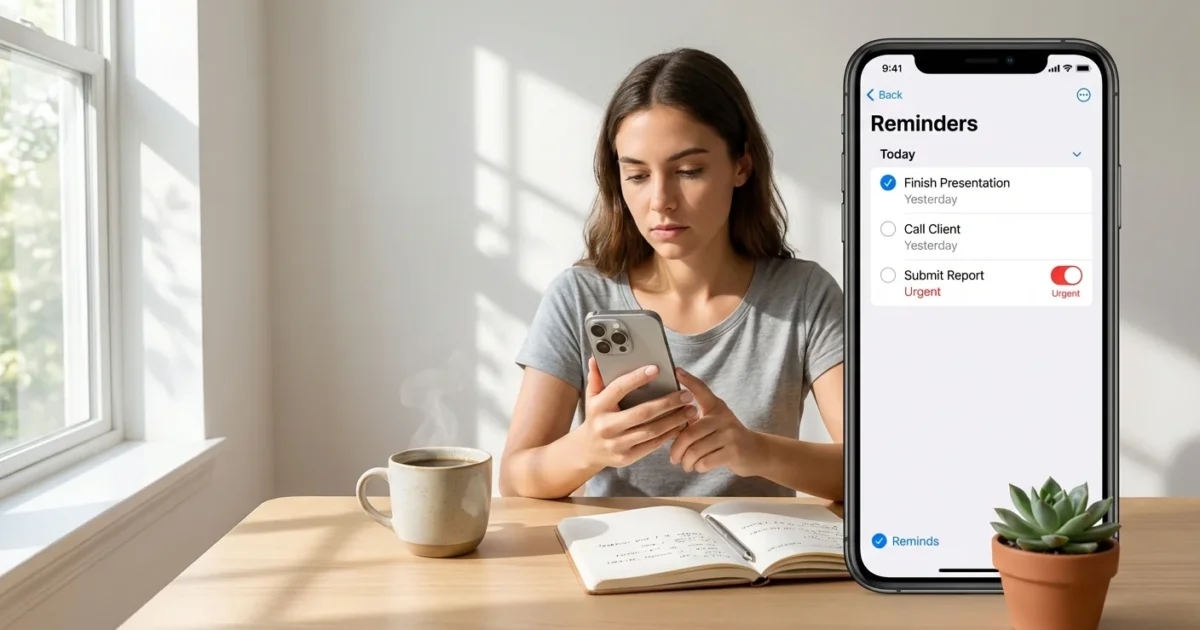
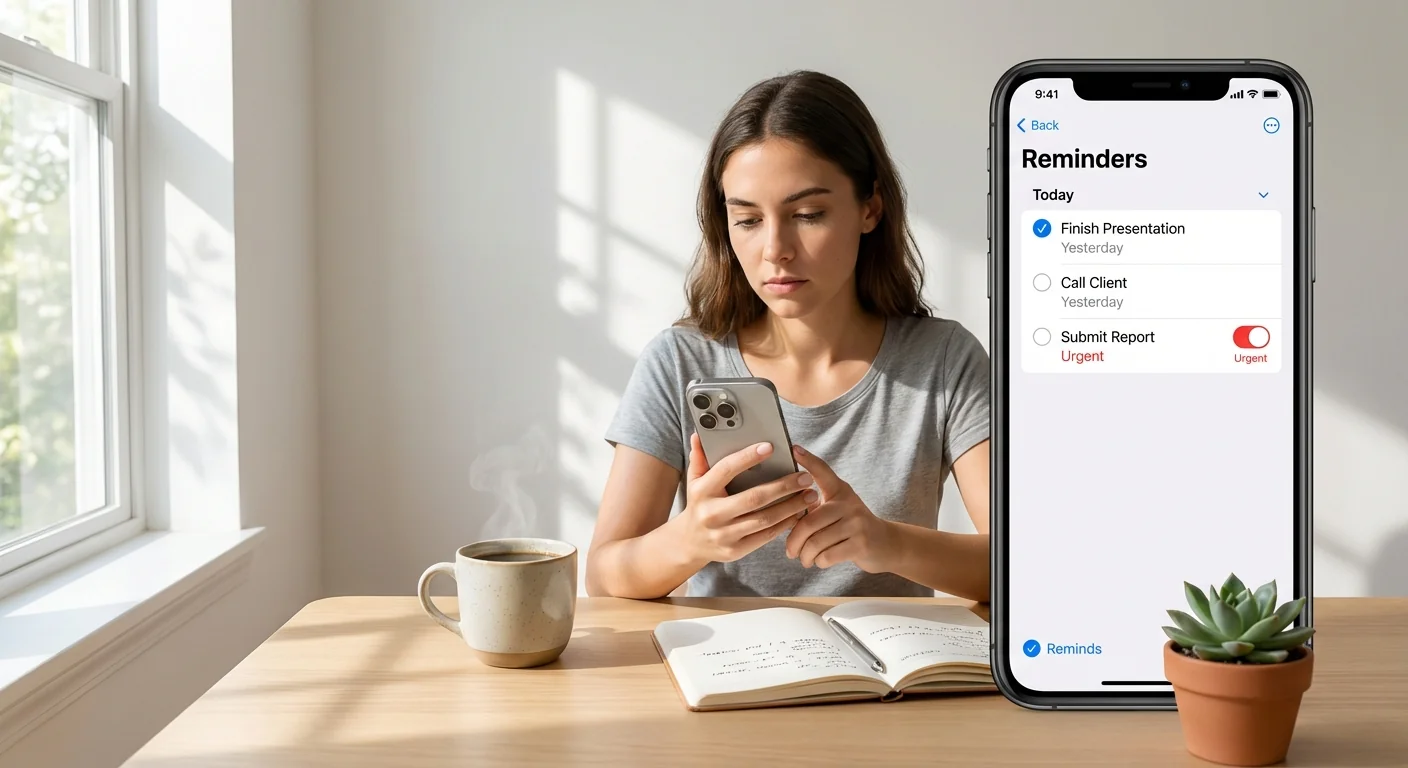
Reminders now have an Urgent option. Turn it on, and your iPhone plays a real alarm when the task is due. Not a soft ping. An alarm that demands action. It is the single biggest fix to missed tasks I have tested on iOS this year.
Apple Music now supports offline lyrics. You can save songs, their synced lyrics, and translations for flights, subways, and dead zones. The experience stays beat matched, even without a signal. It makes Apple Music feel complete when you are offline.
The Liquid Glass lock screen gets a transparency slider. You can tune the clock’s frosted look, from bold to barely there. It gives the design language finer control, and it helps legibility on busy wallpapers.
To set an Urgent reminder, open Reminders, create or edit a task, tap Due, then toggle Urgent. Pick a sound you will not ignore.
What to try first
These are the features that hit hardest on day one:
- Urgent reminders for time critical tasks like meds or pickups
- Offline lyrics in Apple Music for saved playlists and albums
- One time AirDrop codes for quick sharing with non contacts
- The Liquid Glass slider to balance style and readability
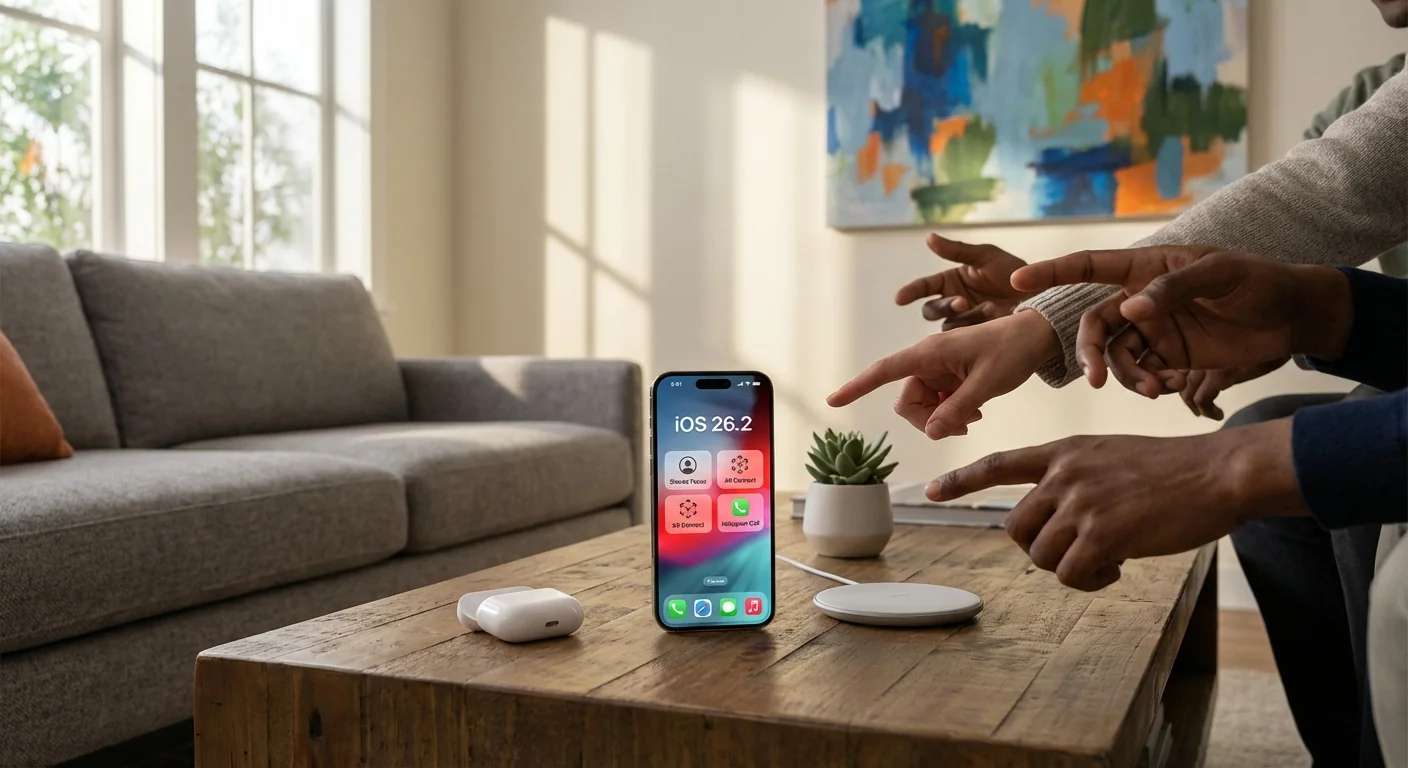
AirDrop codes are smarter than they sound. You can generate a code and share files with someone who is not in your contacts. The code stays valid for 30 days. A new Manage Known AirDrop Contacts section lets you review and remove access in one place. It is ideal for teachers, contractors, or event teams.
Regional changes signal Apple’s next moves
In Japan, you can now map the side button to a third party voice assistant. That means you can press and hold to trigger another assistant instead of Siri. This is a small setting with huge meaning. It shows Apple is opening a key system gesture where rules require it.
In the European Union, AirPods Live Translation is now enabled. I tested it on AirPods Pro. The feature is fast, clear, and finally official in that market. It turns travel chats and street signs into something you can understand in real time.
CarPlay adds two small but welcome options. You can turn off pinned conversations in Messages. Some cars also get more widget stacks. It feels cleaner, with fewer taps to get to what you need.
Some features depend on region, carrier, or hardware. If you do not see a setting yet, check again after a reboot and make sure your AirPods or car firmware is current.
The polish pass across apps
Podcasts gets AI made chapters for long shows. Transcripts can link to other episodes when a topic comes up. Navigation is simpler with clearer categories and a Following tab. It is easier to jump in, or catch up, in minutes.
Apple News adds its own Following tab and quick access buttons for common sections. It turns casual checks into fast reads. The app feels lighter.
Freeform supports tables now, which makes team planning less messy. Passwords adds an Excluded Websites list, so you can stop getting nag prompts where you do not want them. The Games app gains better library sorting, controller navigation, and live challenge scores. It keeps your play time tight and organized.
Safety alerts move into a single Settings menu. You can opt in to share an approximate location for faster delivery of earthquake and imminent threat notices. Sleep Score ranges are updated in Health to better reflect real world patterns.
Keyboard and autocorrect problems remain. If iOS 26 has made you misspell words or lag while typing, 26.2 does not fix it yet.
What this means for users, and for Apple
iOS 26.2 finishes the practical side of the Liquid Glass era. Apple is smoothing everyday pain points, and adding offline capability where it counts. The Japan assistant change shows Apple will bend system controls when the rulebook requires it. The EU translation launch hints at a faster path from feature debut to broad availability. Together, these moves point to a more flexible iOS, with stronger offline tools and clearer lines on regional compliance.
Conclusion
iOS 26.2 is not a splashy update. It is a decisive one. Urgent reminders that actually ring, offline lyrics that travel with you, and smarter sharing that respects boundaries. Add measured regional shifts and steady app polish, and you get an iPhone update that makes tomorrow smoother than today. Install it, try the big three, and keep an eye on the keyboard. Apple is not done yet.