
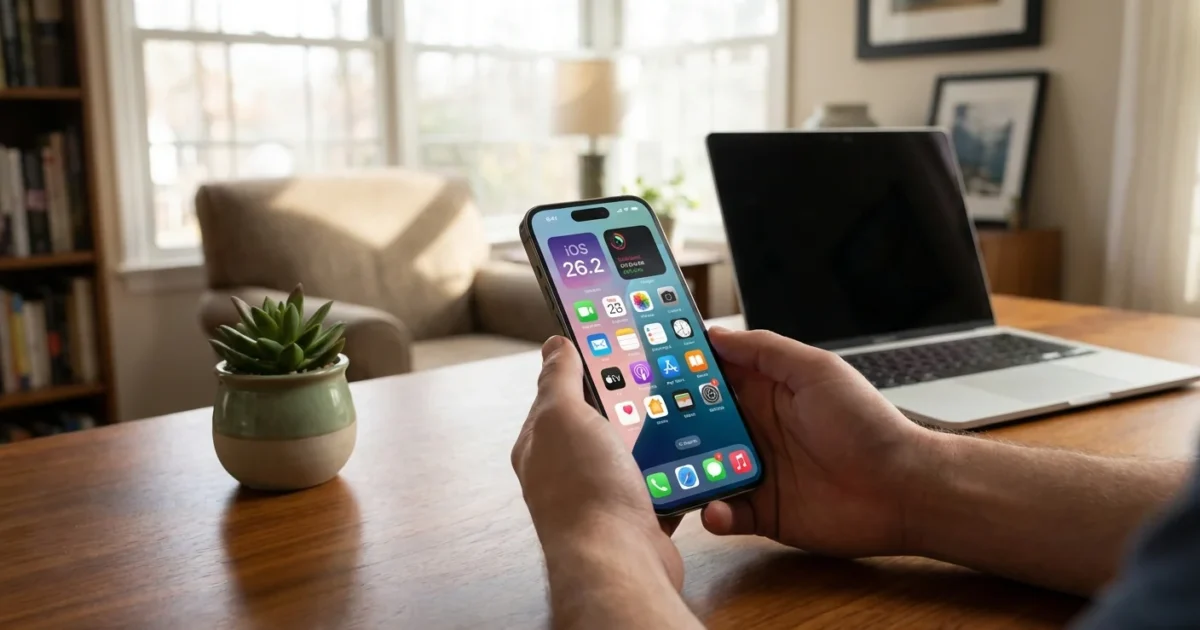
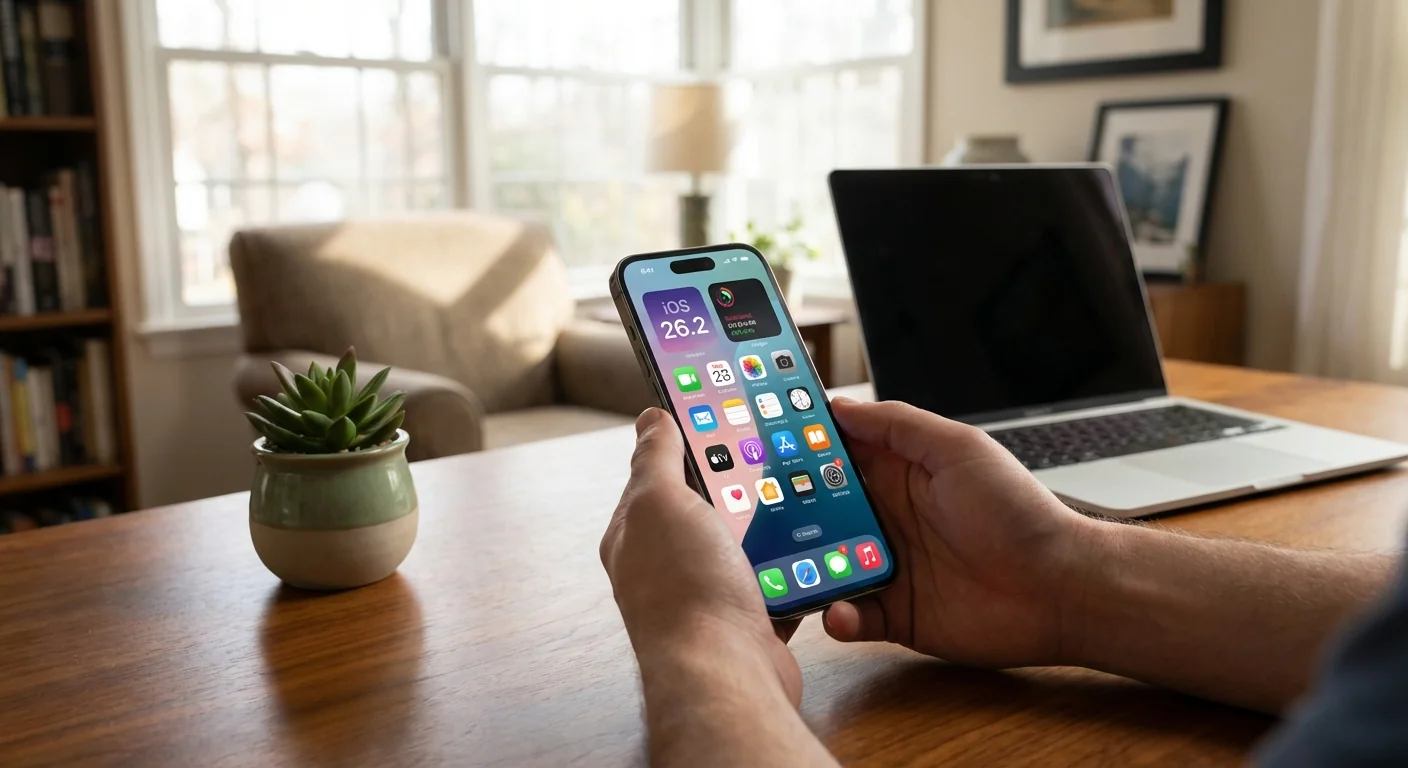
iOS 26.2 is live, and Apple wants you on it today. I have been testing the build since last week. It is the first iOS 26 update I can recommend without hesitation. It tightens privacy, improves call screening, and smooths the path from Android to iPhone. It also makes the bold new look of iOS 26 feel more settled.
What just dropped
Apple shipped iOS 26 in September with a major visual shift called Liquid Glass. The system now leans on translucent panels, softer depth, and glossy layers. It feels fresh, and yes, different. Apple Intelligence also arrived with live translation, quick visual extraction from images, and smarter message insights. The Phone app was rebuilt with call screening and a cleaner layout.
Today, iOS 26.2 moves from nice to have to install it now. In my testing, it clears several early bugs, calms UI stutters, and finishes some of Apple’s privacy work in Safari.
What iOS 26.2 changes today
This point release is small in size, but it hits important nerves. Here is what matters most right now:
- Call screening is sharper, with fewer false flags and faster caller ID decisions.
- Safari gains broader fingerprinting protection, now usable outside Private mode.
- System stability improves, especially in animations and app switching.
- Several background privacy fixes land, closing quiet data leaks.
- Battery behavior is steadier on recent Pro models after long camera sessions.
Liquid Glass also sees subtle contrast tweaks in menus. Reading text in bright light is easier than it was at launch.
Turn on the new Safari protection. Go to Settings, Safari, Advanced, then enable Advanced Tracking and Fingerprinting Protection for all browsing.
Safari privacy gets serious
Safari now lets you run Advanced Tracking and Fingerprinting Protection across every tab, not just Private. That matters. Fingerprinting combines small signals, like fonts and graphics quirks, to tag your device. Blocking more of those signals limits silent tracking, which is harder to stop than cookies.
I flipped the new switch and browsed my regular news loop. Sites still worked. Login prompts were normal. Ad networks had a harder time rebuilding my profile. You might see a few extra captchas on niche sites, but the tradeoff favors privacy. There is no speed hit worth noting on A16 and newer phones. Older supported chips also held up fine in my tests.
Switching from Android just got easier
Google and Apple are quietly testing a more complete handoff path from Android to iOS. I used an Android Canary build with the new mover code and transferred to an iPhone on iOS 26 test software. The flow recognized more data types and reduced the manual clean up after the move. WhatsApp, messages history from supported apps, and more settings came over with fewer prompts.
This is a rare, practical win for users. If you have held off switching because of setup pain, this removes much of that friction. Expect it to roll into public builds soon, tied to ongoing iOS 26 updates.
Should you install iOS 26.2 now
Yes, if your phone supports iOS 26. The privacy gains and call fixes are worth it. I also see fewer crashes in heavy camera or CarPlay sessions. If you are mid‑trip or on a critical work week, wait 24 hours to be safe, then update.
iOS 26 dropped support for iPhone XR, XS, and XS Max. Those A12 devices are out. If you are on one of those, you will not see the update prompt.
Check your device before you plan around this update. A12 phones do not support iOS 26, and they will not receive 26.2.
If you are ready to go, do this:
- Back up with iCloud or Finder on a Mac.
- Plug in, connect to Wi‑Fi, and open Settings.
- Tap General, Software Update, then Download and Install.
Apple Intelligence features also run best on recent chips. Live translation and visual extraction are smooth on the latest Pro models. They work on supported older phones, but some tasks take longer and can heat the device in long sessions.
The bottom line
iOS 26 started bold, then asked users to trust the vision. With 26.2, the vision lands. Privacy is stronger, calls are clearer, the look is easier on the eyes, and switching to iPhone gets less painful. If your device supports it, update this week. Your phone will feel calmer, safer, and ready for what Apple rolls out next.