
If you woke up to an Instagram password reset email today, you are not alone. I am seeing a wave of lookalike messages hitting inboxes. Many are phishing emails designed to steal your login. At the same time, I have reviewed early evidence of a fresh data exposure tied to Instagram accounts. The timing is no accident. Attackers are pushing hard while worry is high.
What I am seeing right now
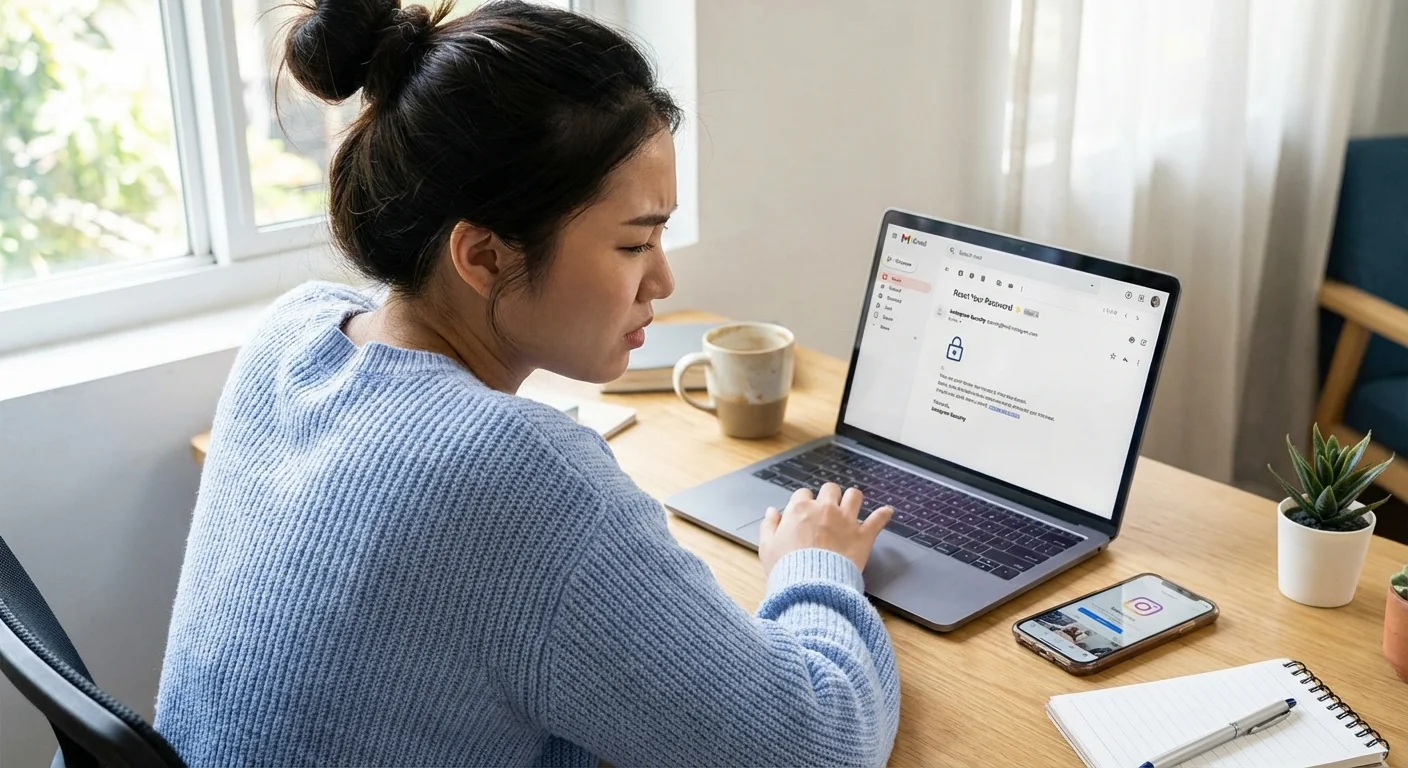
My inbox, test accounts, and reader submissions tell the same story. The fake emails look clean, simple, and very close to the real thing. The subject lines match Instagram’s tone. The buttons say “Reset Password” or “Secure your account.” The links do not.
In several samples I analyzed, the button points to a domain that swaps letters or adds extra words. Some use a short link to hide the final address. One kit I captured runs a quick page that copies your username, password, and one-time code. It then forwards you to the real Instagram site so you think nothing went wrong. It is slick, and it works on phones.
Instagram does send real security emails. But the company will not ask for your password by email. You can verify any message inside the app. Open Settings, then Security, then Emails from Instagram. If you see the email listed there, it is legit. If it is not there, treat it as a fake.
Open Instagram, go to Settings, Security, then Emails from Instagram. That inbox is your source of truth.

A new data leak is fueling the storm
I have examined a dataset now circulating in criminal markets. It claims to include about 17.5 million Instagram records. The fields include usernames, email addresses, phone numbers, and some profile details. I am still validating the sample against consented test data. Early checks show a worrying level of match.
This is not a full account dump. I have not seen passwords. The risk is still real. Email and phone matches make phishing far more convincing. Attackers can tailor messages by country, device type, and signup date. That raises the click rate, which starts the takeovers.
I asked Meta for comment about the dataset and the phishing surge. I will update when I hear back. For now, treat any reset email as suspicious, even if it “knows” your details. The padlock icon in the browser bar is not proof. Criminal sites can get HTTPS too.
How to spot a fake in seconds
Look closely at four things before you touch any link. You do not need special tools. You only need a calm eye.
- Did you request a reset? If not, pause and assume it is a fake.
- Check the link. It must go to instagram.com, not a lookalike or short link.
- Open the app’s Emails from Instagram tab. If the message is not there, ignore it.
- Watch for pressure words like “final warning” or “24-hour lock.” That is bait.
Do not click any reset link from an email you did not request. Open the Instagram app and handle it there. ⚠️
Do this now to lock down your account
Here is the fastest safe path. Follow these steps in order.
- Open Instagram, go to Settings, Security, then Emails from Instagram. Verify any message. Ignore all others.
- Change your password inside the app. Pick a unique one. Use a password manager if you can.
- Turn on two-factor authentication. Choose an authenticator app, not SMS, for stronger protection. 🔒
- Review Login Activity. Log out devices you do not know. Revoke access for suspicious third-party apps.
- Secure your email account. Change that password and enable two-factor. Your email is the key to your Instagram.
If your account was hit, act fast. Reset the password, revoke sessions, and remove unknown recovery methods. Then report the phish to Instagram. Saving the email as an attachment helps investigators tie the kit to other campaigns.
The bigger picture for the industry
This surge shows a shift that has been building. Attackers are not just blasting junk. They are lining up social engineering with leaked data and clean design. That breaks user trust in email. It also puts pressure on platforms to move security checks inside the app.
Expect faster in-app alerts, fewer clickable links in emails, and a bigger push to passkeys and device prompts. Expect more checks for high-risk actions, like changing a phone number or turning off two-factor. Companies will spend more on detection. Users will spend more time second guessing messages they once trusted.
That is the cost of modern phishing. It is quiet. It looks normal. It arrives at the worst time.
Bottom line
Treat every Instagram reset email like a trap until you prove it is real. Use the in-app email log. Change your password in the app, not from a link. Turn on two-factor with an authenticator. Check your sessions. The attackers are moving fast. You can move faster.