

Gmail is misfiring today, and inboxes are feeling the hit. In my tests and direct checks across multiple accounts, Gmail’s spam filtering, tabbed sorting, and custom filters are failing in waves. Messages that should land in Promotions or Social are piling into Primary. Spam is also slipping through. Some users even see new spam-style warnings when sending normal mail. If your inbox looks like a flood, you are not imagining it.
What is happening right now
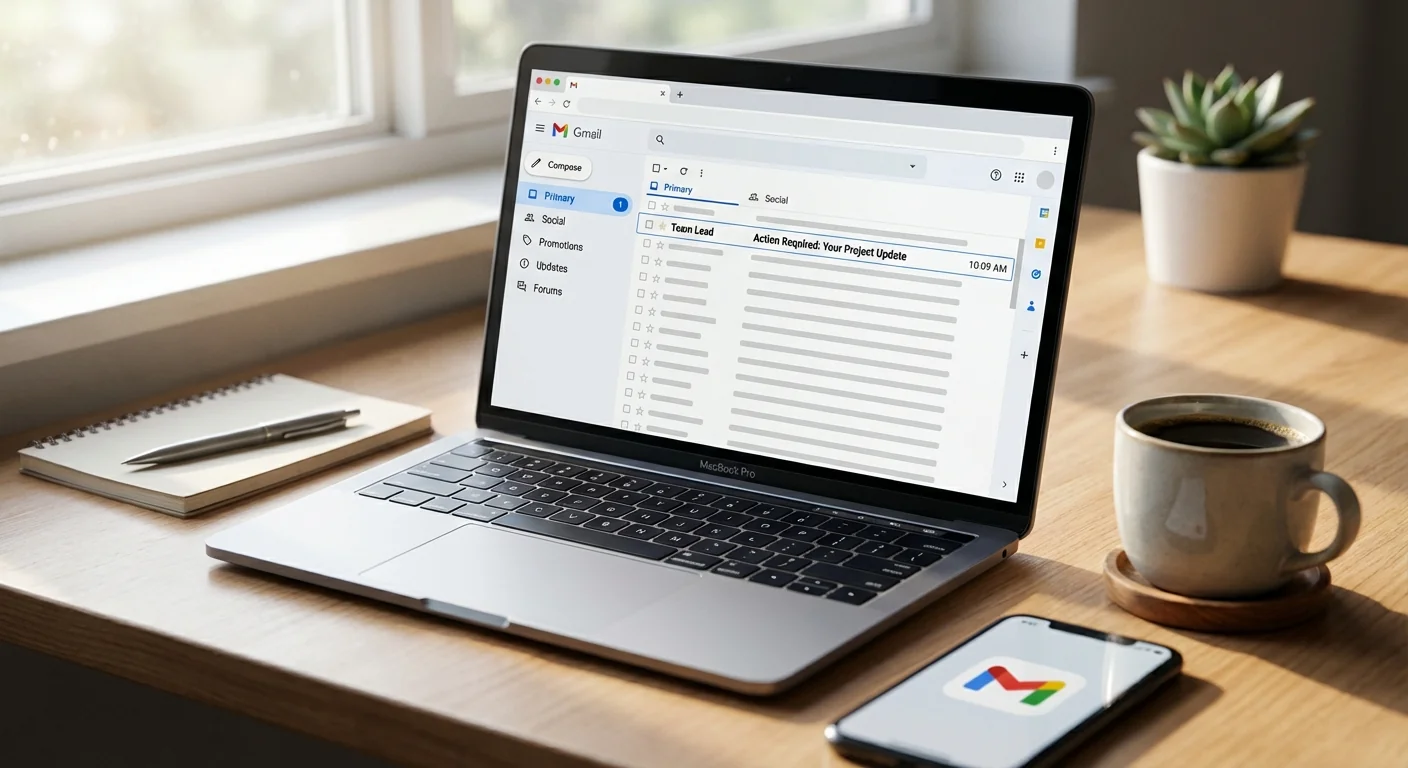
Gmail’s behind the scenes filters are not firing correctly. The problem shows up in three places at once. Spam is not being caught. The Primary, Social, and Promotions tabs are not sorting messages. User-created rules, the filters you build to label and auto-file messages, are not triggering consistently. The result is chaos in the Primary tab.
This is a server side glitch, not a sign that your account was hacked. Filters run in Google’s back end before mail hits your inbox view. When that pipeline breaks, every inbox feels it. Google has acknowledged the incident and says a fix is in progress. You can watch the Google Workspace Status Dashboard for updates.

Google says a fix is in progress. Check the Google Workspace Status Dashboard for live updates.
How Gmail normally keeps order
Gmail uses layers of machine learning to decide what you see and where you see it. One model scores messages for spam. Another classifies mail into Primary, Social, and Promotions. On top of that, your rules run, so your filters can label, archive, forward, or star messages.
When all three work, the system feels invisible. Promotions slip into their tab. Social updates stay put. Your rules catch newsletters or receipts. Today, those layers are out of sync. Messages bypass categories, filters do not apply, and the spam score is not consistent. That is why legitimate mail and junk are colliding in Primary.
Why this matters for everyone
For regular users, the risk is simple. You are now seeing messages you would never open. That increases the chance of clicking a bad link. For businesses, the impact is bigger. Support queues will slow as agents wade through noise. Sales teams may miss leads hidden in the mess. Marketers will see odd performance, since Promotions is not separating traffic. Deliverability teams will also get false alarms, because mail is landing in strange places.
There is another twist. Some accounts are seeing stronger outgoing spam checks. That can throw warning banners on normal replies. It looks scary, but it is tied to the same filtering turmoil. The best move is to slow down and review before you click or send.
Phishing risk is higher while spam filtering is unstable. Treat every unexpected link or attachment as hostile.
What you can do until it is fixed
Workarounds are basic, but they help. The goal is to triage fast, then search smarter.
- Use search operators to replace broken tabs. Try category:social and category:promotions.
- Add in:inbox to focus on new arrivals. Use is:unread to narrow the pile.
- Review in:spam for false positives. Move real mail back to the inbox.
- Turn off conversation view if threads hide new messages.
You can also set a temporary filter to park noisy senders. Create a filter for common promo domains. Apply Skip the Inbox and apply a Promotions label. This is a blunt tool, but it reduces the flood while normal sorting is down.
Try these quick searches: in:inbox is:unread, category:promotions, category:social, in:spam newer_than:1d
Admin guidance for Google Workspace
Admins should alert users about the glitch and raise click safety. Consider adding a temporary banner in your email client or chat tool. Review security rules for link scanning and attachment blocking. If possible, increase quarantine thresholds in your secure email gateway, then roll back when Gmail stabilizes. Track ticket volume and set expectations with customer teams.
What happens next
This failure lives in Gmail’s central filtering stack, which means a server side fix should restore normal flow without user action. Expect a staged recovery, so your account may stabilize before or after others. When the fix lands, the Promotions and Social buckets should start catching up. User filters should snap back as well. You may still need to clean the backlog.
I will keep monitoring delivery patterns, banner behavior, and the status dashboard. For now, assume the filters may misfire at any time. Slow down, scan headers when in doubt, and use search to slice your inbox into manageable chunks. Gmail will get back to normal. Until then, careful triage is your best defense.