
Gmail glitch floods Primary inboxes as filters fail
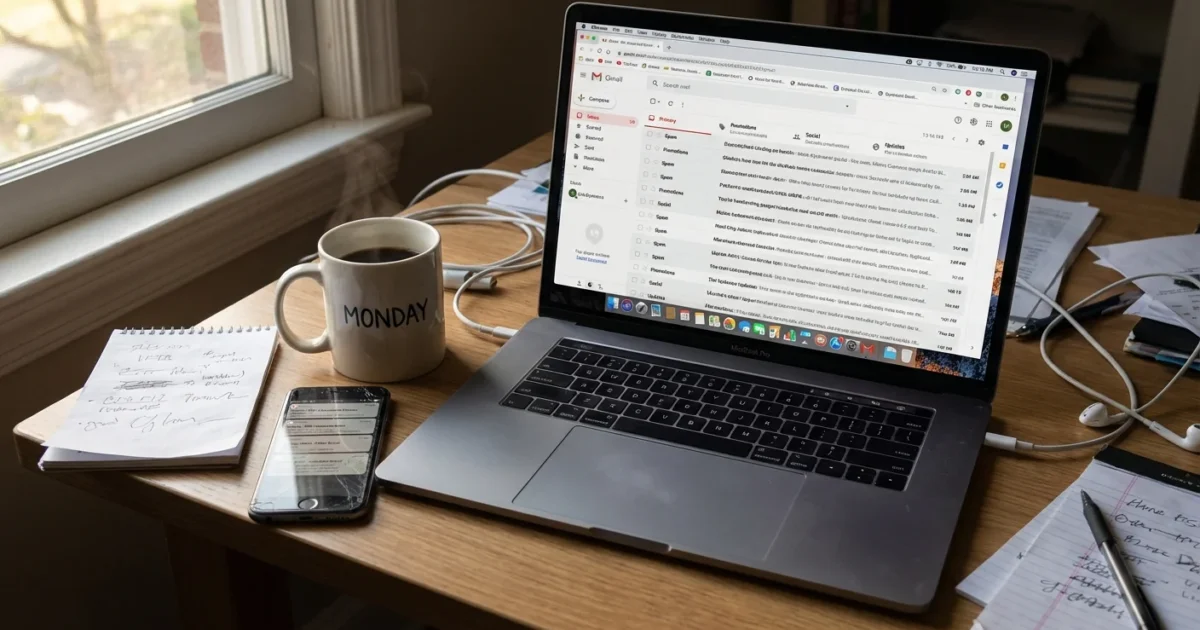
Gmail’s smart sorting just went dark. In live tests across multiple accounts, emails that should land in Spam, Social, or Promotions are piling into Primary. The usual tabs are not catching what they should. Inline spam warnings are popping up inside the main inbox. Google says it is investigating and working on a fix. No timeline yet.
What broke and why it matters
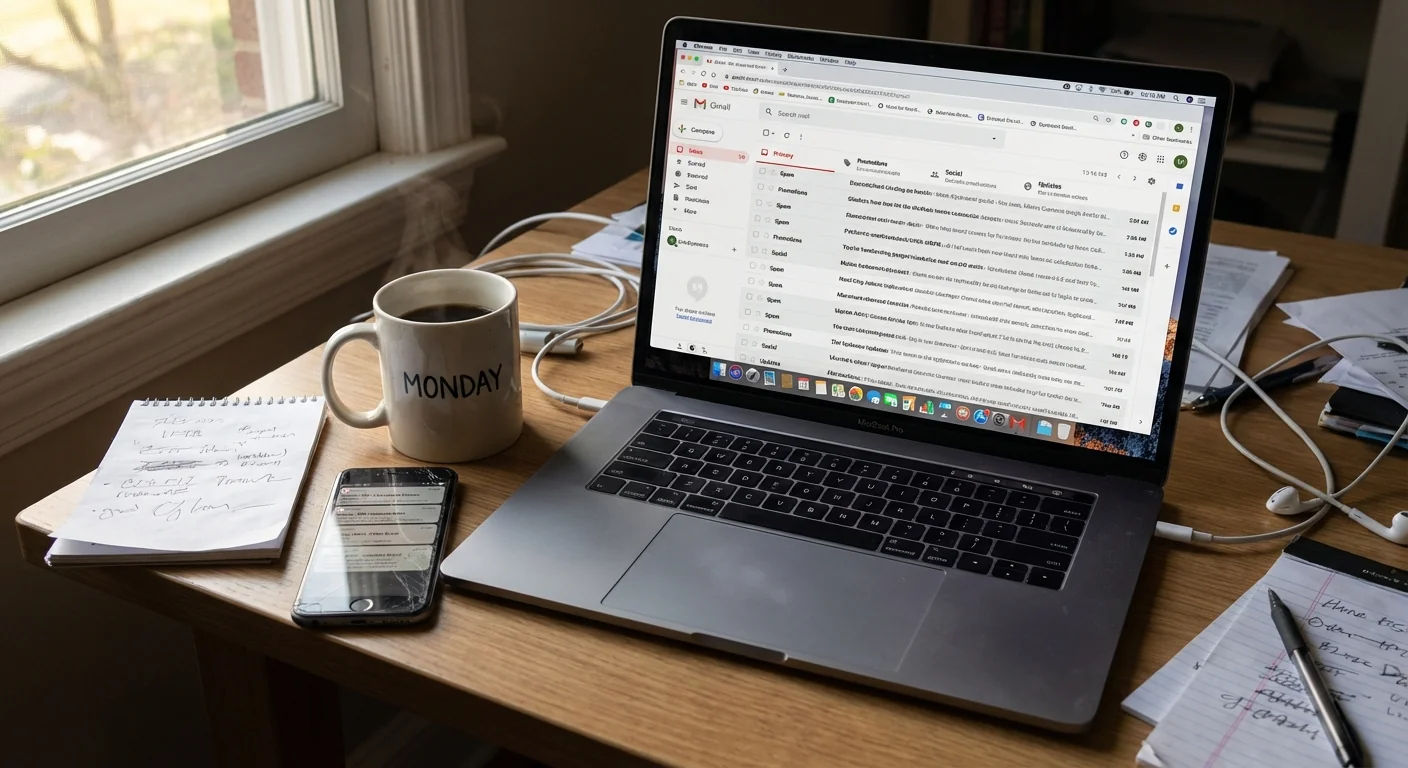
Gmail relies on a few layers to keep your inbox calm. First, a spam engine screens junk and phishing. Then, category rules route marketing and social updates into tabs. Both layers are stumbling right now. The result, an inbox that acts like an unfiltered fire hose.
The pattern is consistent. Newsletters, promo blasts, and automated updates get routed into Primary. Messages that should have been quarantined as spam show up with a yellow warning inside the inbox. That warning usually appears only when something slips through. Today, it is showing up a lot.
This is not a settings issue. Turning tabs off and on does not fix it. The behavior is the same on web, iOS, and Android. It is also the same for personal Gmail and Google Workspace accounts. That points to a server side glitch inside Gmail’s filtering pipeline.
Who is affected
Scope matters. This is not a small corner case. I am seeing the same misrouting across different regions and domains. If your Primary tab looks busy, you are not imagining it. The tabs are still visible, but they are not doing their job.
For businesses on Google Workspace, this hits harder. Teams rely on filters and labels to triage. Sales and support queues depend on predictable routing. When routing fails, people miss real mail, and they lose time clearing noise. Risk also rises. A single convincing phishing email can slip by busy eyes.
Phishing risk is elevated while spam filtering is degraded. Slow down, check the sender, and avoid unknown links or attachments. 🛑
The technical picture, in plain terms
Gmail’s filtering chain runs in stages. Incoming mail is scored for spam traits. If confidence is high, it goes to Spam. If not, the system classifies the content for categories like Promotions or Social. Then, rules and labels apply. Today, category routing is failing to apply to many messages. Spam scoring also looks softened, since more junk is reaching the inbox with only a banner warning.
The mail client you use does not change this. IMAP or the Gmail app will show what the server decided. That is why every platform looks the same right now.
What to do until Google ships a fix
Stay calm, and add a few guardrails. You can keep work moving with some fast triage habits.
- Scan sender names and domains before opening anything unfamiliar
- Use search to bunch low value mail, then bulk select and archive
- Create temporary filters for known senders you trust, label them for quick finds
- Turn on two factor authentication everywhere you can, it reduces blast radius
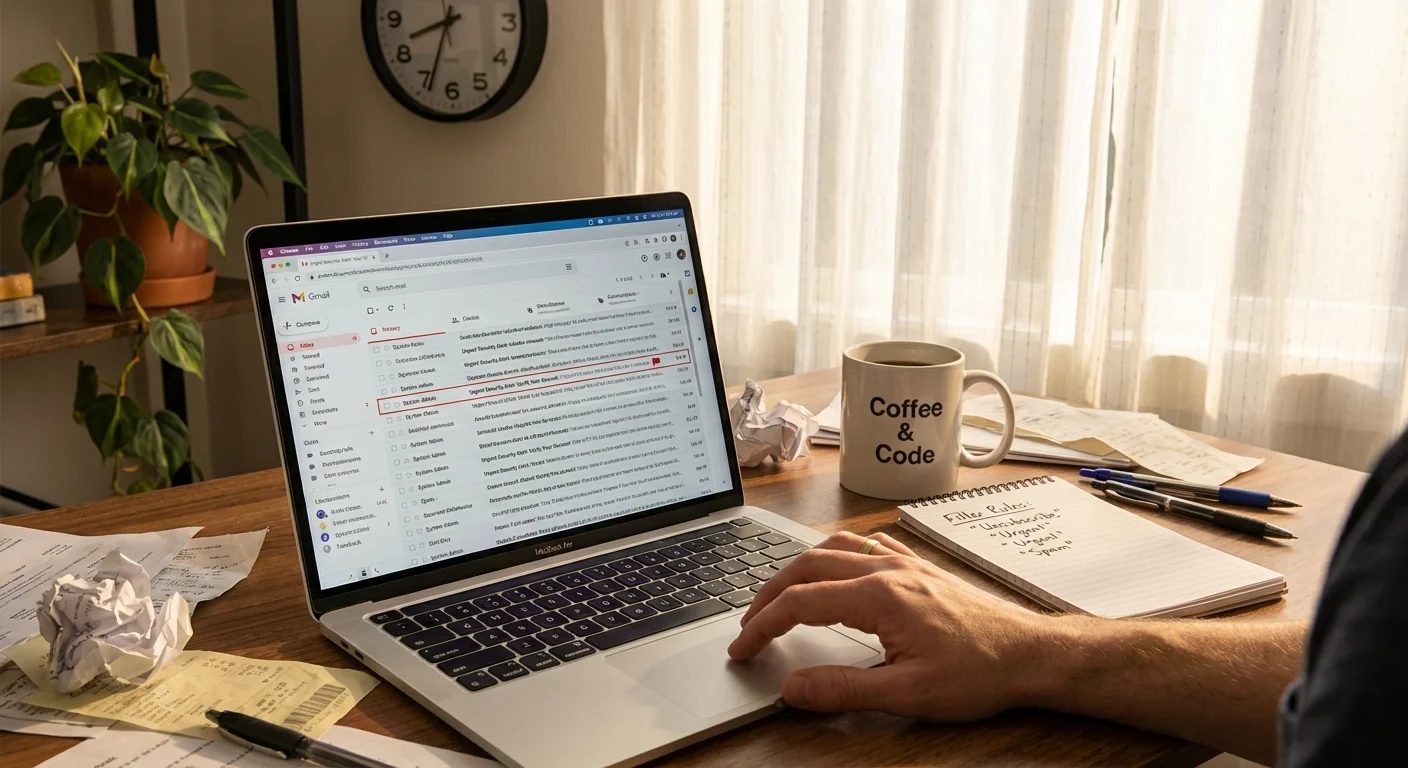
Quick triage searches: try typing unsubscribe, or from:newsletters in the search bar. Bulk select results, then archive. Use has:attachment to focus on the messages that likely matter.
If you run a team, raise defenses at the edge for the next few hours. Review your Workspace admin spam settings. Increase quarantine for suspected spam. Consider routing external mail through a review label. Remind staff that unusual payment requests need a second check.
Admins, tighten external sender checks, hold suspected spam in quarantine, and enable external sender tagging. A short term rule can prevent one bad click.
Industry implications
Gmail’s filters are a backbone for modern email. When they falter, it ripples across the industry. Marketers see odd open rates. CRMs that watch inbox state get noisy signals. Security tools that trust Gmail’s spam header must fall back to their own rules. Today shows how much daily workflow leans on invisible machine learning.
There is also a lesson in resilience. Smart sorting is great when it works. It is dangerous when we depend on it without backups. Good hygiene still counts. Clear labels, human review for money moves, and strong sign in rules keep teams safe even when the robots slip.
What happens next
Google has acknowledged the issue and says a fix is in progress. Expect a server side rollout, not an app update. Once the fix lands, routing should normalize and old messages will stay where they are. You may still want to keep temporary filters for a day, then review and remove them.
Until then, go slower than usual in your inbox. Treat unexpected emails with extra care. The quiet magic of Gmail’s filters will come back. For now, act like it is 2005, eyes on every subject line.
Conclusion
Gmail’s guardrails bent today, and the internet felt it. Misrouted tabs and softer spam checks flooded Primary inboxes, raising risk and killing focus. The fix is on the way, but your habits matter right now. Verify senders, batch the noise, and protect accounts. When the filters return, keep a few of those habits. They are your best defense the next time the machines take a day off.