


Breaking: Google is turning Gemini into a true phone operator. I can confirm Gemini on Android is gaining a new “screen automation” upgrade that can act on what is on your display and complete multi-step tasks with little or no tapping. Think ordering dinner, hailing a ride, or checking out in an app, all triggered by a single request. This is the moment Gemini moves from chatbot to agent.
Gemini can now work inside your apps
In recent builds I tested, Gemini can read your screen, understand the current app state, and then press the right buttons for you. You ask, Gemini plans the steps, then it executes. It fills forms, selects options, and moves through flows that used to demand your full attention.
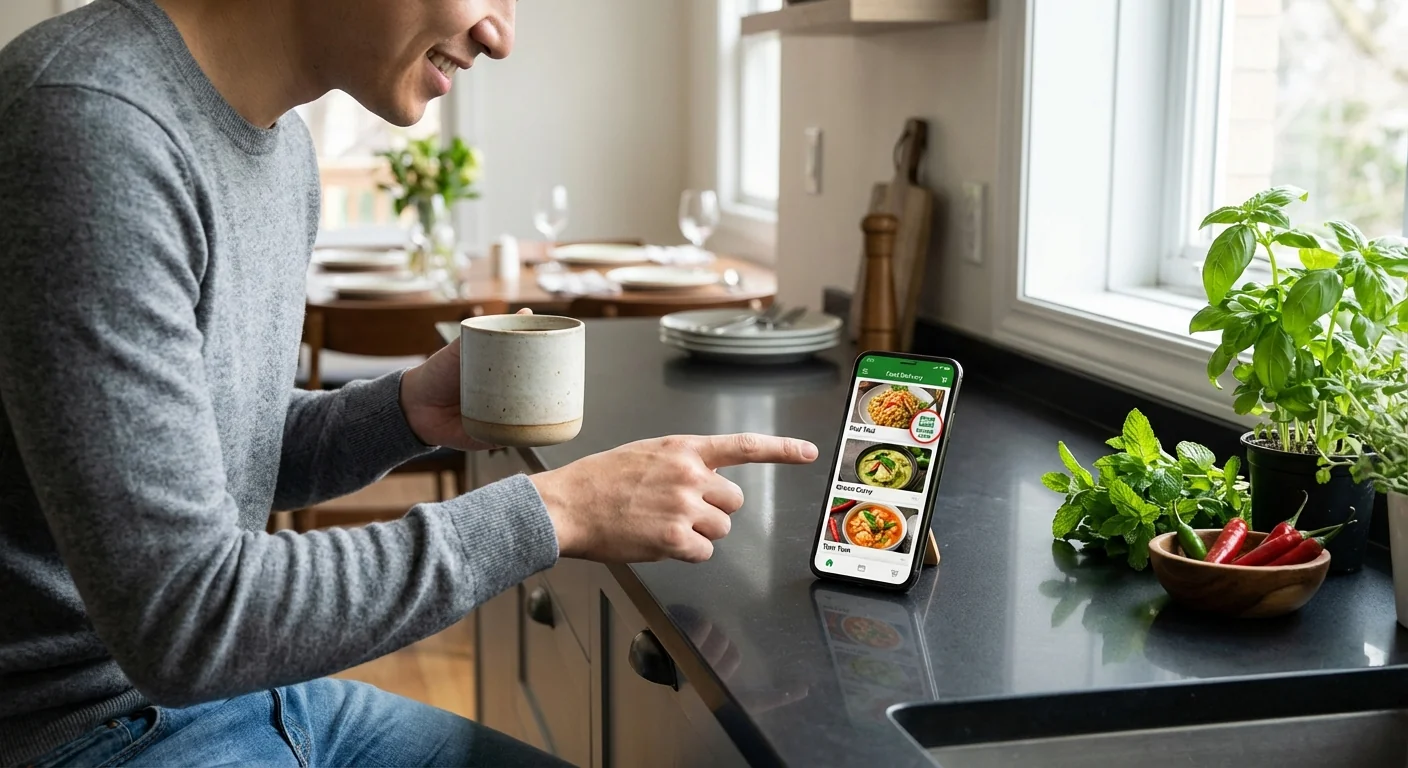
Here is what that looks like in practice. You open a food app and say, “Order my usual from the Thai place.” Gemini uses the visible menu, picks your saved dish, applies a promo, and moves to checkout. Or you say, “Get me a ride home.” Gemini sees your address on screen, chooses the right pickup, and books in your ride app. You still get a final check for sensitive steps like payment. But the slog is gone.
This upgrade is not live for everyone yet. The feature flag appears in recent Gemini and Google app builds. Rollout timing is not confirmed. The early behavior suggests a broader release is planned, with a staged approach and safety gates.
How it works under the hood
Gemini uses on-screen context as its map. It reads the UI that is already in front of you, then chains actions to reach a goal. Under the covers, this likely blends three parts. First, it captures what is on screen. Second, it plans the sequence, for example tap the cart, pick delivery, confirm address, submit. Third, it executes taps and text entry, and can also jump through deep links or Android intents when available.
You will be asked to grant new permissions before Gemini can take the wheel. Expect prompts to allow on-screen content access and limited control of taps and entries. Sensitive actions will trigger explicit confirmation and may use secure prompts. That keeps your final say intact, especially for purchases and account changes.
Only grant screen control if you trust the assistant on that device. Review what it can see and do in Android settings, and revoke access if anything feels off.
Technically, this is a major step forward. Past assistants lived in a bubble, stuck in chat. Gemini’s agent can now bridge chat to UI. It navigates real app screens, not just web results. That means the long tail of tasks that do not have a neat API may finally be within reach, one tap at a time.
What it can do, and what it cannot, at launch
Expect strong results in common flows that have clear buttons and predictable steps. Early targets include:
- Food ordering, from cart to checkout
- Rides and deliveries, pickup and drop-off selection
- Reorders in retail apps with saved items
- Basic account tasks, like toggles and profile updates
Gemini will not be perfect on day one. Some apps use custom controls that are hard to parse. Complex multi-factor payment steps can slow things down. You will still confirm anything risky, like sending money. And app compatibility will be uneven until developers align around best practices.

If Gemini gets confused, it should pause and ask you. You can nudge it, for example “Pick the second option,” and it will adjust. That feedback loop is core to trust and speed.
Why this changes the industry
This move resets the assistant race. We are leaving the era of answers and entering the era of actions. The assistant is no longer just telling you what to do. It is doing the work for you, inside the apps you already use.
For developers, this is a new integration surface. Apps that expose clear structure will win. Clean labels, accessible controls, and deep links will make Gemini more reliable. Expect guidance from Google on action schemas, intent support, and how to signal safe steps versus protected ones. Teams that invest here will see higher completion rates and happier users.
For Android, this is a user experience shift. Navigation patterns change when the assistant can drive. The system needs robust guardrails, visible handoff moments, and transparent logs of what was done on your behalf. That audit trail will be essential for trust.
Prepare now. Update to the latest Google and Gemini apps, review permissions, and save your preferred payment and addresses. The smoother your setup, the faster Gemini can complete tasks.
There is also a broader ripple effect. If assistants can operate arbitrary UIs, the pressure on API-only integrations may ease for many tasks. The long tail becomes reachable without waiting for every partner to build a custom hook. That said, high stakes flows should still use direct, verified integrations to reduce errors.
The bottom line
Gemini’s screen automation is the biggest shift in how Android works in years. Your phone is becoming a true agent that reads context, plans, and acts. The feature is not widely available yet, and details may change before full release. But the direction is clear. Assistants will stop being bystanders and start being operators. When they do, the tap count drops, the friction fades, and the bar for app design rises. I will keep tracking the rollout, the safety controls, and the first wave of supported apps. The next time you say “take care of it,” your phone might actually do it.